
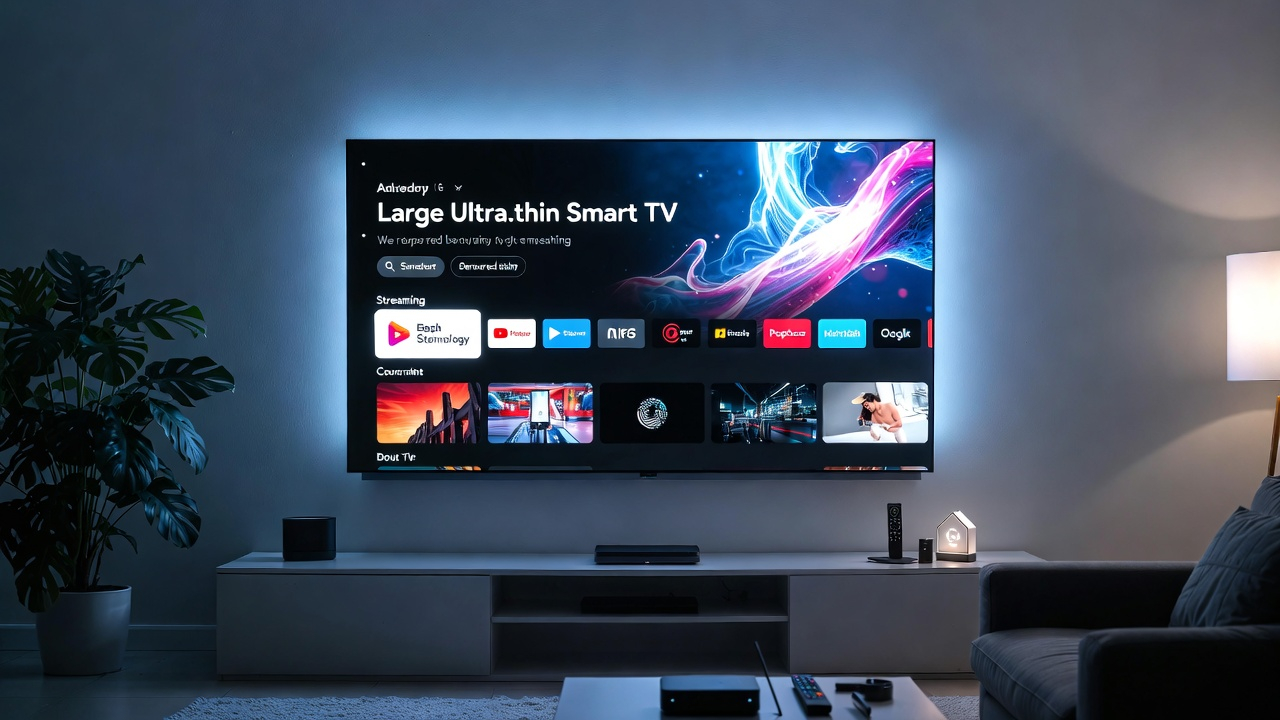

Streaming has completely transformed how people watch television. Instead of relying on traditional cable services, millions of households now stream movies, live TV, sports, and shows using powerful streaming devices connected to their televisions.
If you own a 4K smart TV, choosing the right streaming device can dramatically improve your entertainment experience. Faster performance, smoother interfaces, better HDR support, and expanded app compatibility are just some of the benefits.
In this complete guide, we’ll explore:
- What streaming devices are
- Why you might need one even with a smart TV
- The best streaming devices for 4K TVs in 2026
- Key features to consider before buying
- Performance comparisons
- Expert buying tips
By the end of this guide, you’ll know exactly which streaming device works best for your home setup.
What Is a Streaming Device?
A streaming device is a small hardware gadget that connects to your TV and allows you to access internet-based entertainment platforms.
Popular streaming platforms include:
- Netflix
- Disney+
- Hulu
- Amazon Prime Video
- YouTube
- Apple TV+
- Spotify
- Live TV streaming services
These devices typically connect through HDMI ports and use Wi-Fi or Ethernet to stream high-quality video directly to your television.
Modern streaming devices support:
- 4K Ultra HD
- HDR formats
- Dolby Vision
- Dolby Atmos audio
- Voice assistants
- Smart home integration
Even if your TV already has built-in apps, a dedicated streaming device often provides better speed, more updates, and more apps.
Why Use a Streaming Device With a Smart TV?
Many people wonder if they actually need a streaming device when their television already includes smart features.
Here are the main reasons millions of users still buy them.
Faster Performance
Built-in smart TV systems can become slow over time.
Streaming devices use more powerful processors, which results in:
- faster navigation
- smoother menus
- quicker app launches
Longer Software Support
TV manufacturers often stop updating software after a few years.
Streaming devices usually receive updates for longer, ensuring access to new apps and security improvements.
Better App Availability
Some smart TVs lack certain apps depending on the operating system.
Streaming devices usually provide access to thousands of apps and channels.
Improved Voice Control
Many streaming devices include advanced voice assistants such as:
- Alexa
- Google Assistant
- Siri
This allows users to control entertainment hands-free.
Key Features to Look for in a Streaming Device
Before buying a streaming device for your 4K TV, consider the following features.
4K and HDR Support
If you own a modern television, make sure your device supports:
- 4K resolution
- HDR10
- Dolby Vision
These technologies significantly improve picture quality.
Processing Speed
A faster processor ensures smooth performance when:
- navigating menus
- opening apps
- switching between streaming services
Voice Control
Voice assistants make it easier to search content without typing.
Common voice assistants include:
- Alexa
- Google Assistant
- Siri
Storage and Memory
More storage allows devices to install additional apps and games.
Higher RAM improves multitasking performance.
Connectivity
Look for:
- Wi-Fi 6 support
- Ethernet ports
- Bluetooth compatibility
These features help ensure stable streaming.
Best Streaming Devices for 4K TVs in 2026
Below are the top streaming devices delivering the best performance, compatibility, and value.

Amazon Fire TV Stick 4K Max
The Fire TV Stick 4K Max remains one of the most popular streaming devices thanks to its balance of price and performance.
Key Features
- 4K Ultra HD streaming
- Dolby Vision and HDR10+
- Wi-Fi 6 support
- Alexa voice remote
- Access to thousands of apps
Pros
- Affordable
- Excellent app library
- Smooth interface
- Alexa smart home integration
Cons
- Amazon-focused interface
- Some ads in menus
Best For
- Prime Video users
- Smart home owners using Alexa
- Budget-friendly 4K streaming
Roku Streaming Stick 4K
Roku is widely known for offering one of the simplest and most user-friendly interfaces in the streaming industry.
Key Features
- 4K HDR streaming
- Dolby Vision support
- Excellent app ecosystem
- Easy setup
Pros
- Clean interface
- Huge app library
- Fast performance
- Great universal search
Cons
- Limited smart home features
- Basic gaming support
Best For
- Beginners
- Families
- Simple streaming setups
Apple TV 4K
Apple’s premium streaming device delivers some of the best performance available.
Key Features
- Powerful A15 processor
- Dolby Vision and Dolby Atmos
- Apple ecosystem integration
- Premium build quality
Pros
- Extremely fast
- Excellent interface
- High-quality audio and video
- Apple ecosystem compatibility
Cons
- Higher price
- Best value only for Apple users
Best For
- Apple ecosystem households
- Home theater enthusiasts
- Premium streaming setups
Google Chromecast with Google TV
Google’s streaming solution combines powerful search with smart home integration.
Key Features
- Google TV interface
- Personalized recommendations
- Google Assistant voice control
- Chromecast casting support
Pros
- Smart recommendations
- Google ecosystem integration
- Voice search capabilities
Cons
- Slightly slower than Apple TV
- Limited internal storage
Best For
- Android users
- Google smart home owners
- Personalized content discovery
Nvidia Shield TV
The Nvidia Shield TV is widely considered the most powerful streaming device available.
Key Features
- AI upscaling
- Dolby Vision support
- Nvidia gaming support
- Plex media server capability
Pros
- Extremely powerful hardware
- Best streaming performance
- Great for gaming
- Excellent media server support
Cons
- Expensive
- Overkill for casual users
Best For
- Gamers
- Home theater enthusiasts
- Advanced users
Streaming Device Comparison
| Device | Best Feature | Price Range |
|---|---|---|
| Fire TV Stick 4K Max | Best value | $40–$60 |
| Roku Streaming Stick 4K | Simplest interface | $40–$50 |
| Apple TV 4K | Premium performance | $130–$180 |
| Chromecast with Google TV | Google integration | $40–$60 |
| Nvidia Shield TV | Gaming + power | $150–$200 |
Streaming Devices vs Smart TVs
Some users rely only on built-in TV apps, but streaming devices offer several advantages.
Better Speed
Dedicated processors improve performance.
More Apps
Streaming devices support larger app ecosystems.
Longer Support
Devices receive updates for years.
Portability
You can move them between TVs easily.
Best Streaming Devices for Different Users
Best Budget Option
Fire TV Stick 4K Max offers excellent value.
Best for Simplicity
Roku Streaming Stick 4K provides the easiest interface.
Best for Apple Users
Apple TV 4K integrates perfectly with iPhones and Macs.
Best for Smart Homes
Chromecast with Google TV connects seamlessly with Google devices.
Best for Power Users
Nvidia Shield TV delivers unmatched performance.
Tips for Getting the Best Streaming Experience
Follow these tips to maximize streaming quality.
Use High-Speed Internet
For smooth 4K streaming, aim for 25 Mbps or faster.
Position Your Router Correctly
Place the router near your TV for better signal strength.
Use Ethernet When Possible
Wired connections provide more stable streaming.
Update Your Apps
Keeping apps updated ensures better performance.
The Future of Streaming Devices
Streaming technology continues evolving rapidly.
Key trends include:
- AI-based content recommendations
- cloud gaming integration
- improved voice assistants
- deeper smart home integration
Streaming devices are becoming central hubs for entertainment and home automation.
Final Verdict
Streaming devices remain one of the best upgrades for any 4K television.
For most users:
- Fire TV Stick 4K Max offers the best value.
- Roku Streaming Stick 4K is ideal for simplicity.
- Apple TV 4K delivers premium performance.
- Nvidia Shield TV is best for power users.
Choosing the right device ensures faster performance, better streaming quality, and access to thousands of entertainment options.


Comments are closed.
[…] When paired with best streaming devices for smart tvs: […]