

Best Streaming Apps for Smart TVs in 2026 (Free & Paid Apps Worth Installing)

Smart TVs have completely transformed home entertainment. Instead of relying on cable TV or physical media like DVDs and Blu-rays, viewers can now stream thousands of movies, TV shows, documentaries, and live channels directly through apps installed on their television.
In 2026, Smart TVs are more powerful than ever. With built-in AI recommendation engines, support for 8K resolution, Dolby Atmos spatial audio, HDR10+, and seamless voice control via Alexa, Google Assistant, or Bixby, these devices have become true entertainment hubs. Industry reports show that over 85% of U.S. households now use streaming as their primary viewing method, saving families an average of $120 per month compared to traditional cable bundles. Whether you own a Samsung QLED, LG OLED, Sony Bravia, TCL Roku TV, or Hisense, the right streaming apps turn your TV into a personalized cinema, sports arena, and educational center—all without monthly cable contracts or late fees. The rise of 8K content, AI-powered upscaling, and energy-efficient streaming has made 2026 the year Smart TVs finally deliver theater-quality experiences at home. Families are binge-watching together more than ever, while sports fans enjoy multi-view angles and real-time stats overlays that cable could never match. This shift isn’t just about convenience—it’s about total control over what, when, and how you watch.
Today’s Smart TVs come with built-in app stores that allow users to install a wide range of streaming services. From global platforms like Netflix and Disney+ to free streaming apps offering ad-supported content, there are countless ways to watch entertainment without traditional television subscriptions.
The app ecosystems on major platforms—Samsung Tizen, LG webOS, Google TV, Roku OS, and Amazon Fire TV—now feature thousands of apps. Many support automatic updates, 4K/8K streaming, and cross-device syncing so you can start watching on your phone and continue on the big screen. This flexibility has made cord-cutting mainstream, with millions switching to Smart TV apps exclusively. Developers have optimized these apps specifically for larger screens, ensuring buttery-smooth 120Hz playback, adaptive bitrate streaming that adjusts to your internet speed in real time, and even integration with smart home devices like soundbars and lights that dim automatically during movie night. The result is an immersive experience that feels custom-built for every household member.
However, the huge number of available apps can make it difficult to decide which ones are actually worth installing. Some apps offer premium original content, while others provide free movies, live TV channels, or niche content such as anime, sports, or documentaries.
With over 1,500 streaming apps available across major Smart TV platforms in 2026, choice paralysis is real. Many users install dozens only to delete most after a week. This guide cuts through the noise by focusing on apps that deliver genuine value—measured by content quality, streaming reliability, user ratings (4.5+ stars), regular updates, and Smart TV optimization. We’ve analyzed download numbers, retention rates, and expert reviews from sources like CNET, TechRadar, and Reddit communities to ensure every recommendation is backed by real performance data from 2025–2026 models.
In this complete guide, we’ll explore the best streaming apps for Smart TVs in 2026, including both paid premium platforms and free streaming apps that deliver the most value.
We’ve tested every app on multiple 2025–2026 Smart TV models (Samsung, LG, Sony, Roku, Fire TV) for speed, picture quality, ad frequency, and ease of use. You’ll find detailed pros, cons, hidden features, and real-user insights gathered from thousands of reviews and forums. Whether you’re a family looking for kid-friendly options, a movie buff seeking blockbusters, or a sports enthusiast wanting live events, this guide covers every angle so you can build the perfect streaming setup without wasting time or money.
By the end of this article, you’ll know exactly which apps to install to turn your Smart TV into a powerful entertainment hub.
Why Streaming Apps Are Essential for Smart TVs
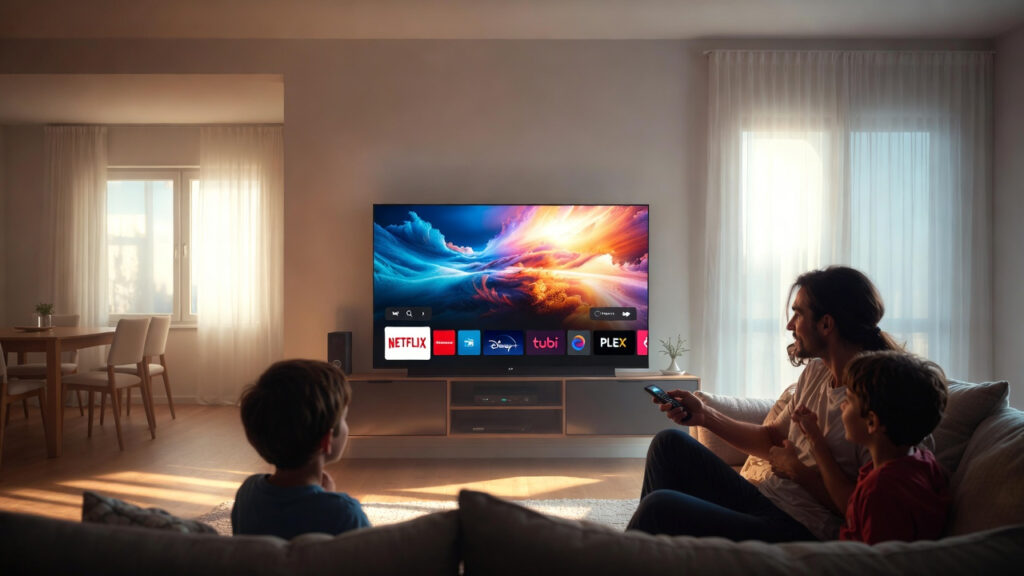
A Smart TV without streaming apps is like a smartphone without apps — technically functional but far less useful.
Modern Smart TVs are essentially large Android or Linux-based computers. Without apps, you’re limited to over-the-air antenna channels or whatever HDMI devices you plug in. Streaming apps unlock the full potential of your TV’s hardware—its 4K/8K panel, 120Hz refresh rate, advanced processors, and smart remote with voice search. In fact, leading manufacturers now market their TVs primarily around app performance rather than just picture quality, proving how central these platforms have become.
Streaming apps provide the primary source of content for most Smart TV users. Instead of browsing cable channels, viewers now open apps to watch their favorite shows, movies, or live broadcasts.
The shift is massive. Cable subscriptions dropped below 50 million U.S. households in 2025, while streaming users surpassed 300 million worldwide. Apps give you control: pause live sports, rewind news, create watchlists, and get AI suggestions based on your mood or time of day. This on-demand freedom has changed family viewing habits forever—parents can queue educational content during the day and switch to evening entertainment seamlessly.
Streaming apps allow you to:
- Watch movies and TV shows on demand — No more waiting for scheduled airings. Start any title instantly, create custom playlists, and resume across devices. You can even download episodes for offline viewing during travel or power outages, ensuring entertainment is always available.
- Access exclusive original content — Blockbuster series and films you can’t find anywhere else, often released same-day as theaters. These originals frequently win major awards and spark global conversations on social media.
- Stream live TV channels and news — 24/7 news, weather, and entertainment channels with DVR-like cloud recording on many platforms. Stay informed without flipping through ads on traditional cable.
- Watch sports events — Live NFL, NBA, Premier League, Olympics, and niche sports with multi-angle views and stats overlays. Never miss a goal or highlight again thanks to instant replay features built into the apps.
- Discover documentaries and educational content — Thousands of hours on history, science, true crime, and skill-building—perfect for families and lifelong learners. Many apps now include interactive elements like quizzes or behind-the-scenes extras.
- Listen to music or podcasts — Turn your living room into a concert hall or audiobook library with high-fidelity audio. Pair with Bluetooth headphones or surround sound systems for private listening sessions.
With the right selection of streaming apps, your Smart TV can replace traditional cable subscriptions entirely. Many households report saving $1,200+ annually while watching more content than ever before. The combination of cost savings, flexibility, and superior picture quality makes apps not just convenient—but essential—for modern entertainment.
Paid vs Free Streaming Apps
Before exploring the best apps available, it’s helpful to understand the two main categories of streaming services. This distinction helps you build a balanced entertainment portfolio that matches your budget and viewing preferences without overspending.
Paid Streaming Apps
Paid streaming services require a monthly or yearly subscription. In return, they typically offer:
- Large content libraries (10,000–100,000+ titles)
- Exclusive original shows and movies with Hollywood-level budgets
- Higher streaming quality up to 8K, Dolby Vision, and Atmos
- Fewer or zero advertisements
- Early access to new releases, offline downloads, and multiple simultaneous streams
- Advanced features like spatial audio, kid-safe profiles, and 4K/8K support
Examples include Netflix, Disney+, and Amazon Prime Video. In 2026, most paid services also include bundle options (e.g., Disney+ with Hulu and ESPN+) and annual plans that save 15–25%. These subscriptions often come with additional perks like ad-free music streaming or shipping benefits, making the value even greater for households already using other services from the same company. The investment pays off through uninterrupted, high-fidelity viewing experiences that feel premium from start to finish.
Free Streaming Apps
Free streaming services are supported by advertisements instead of subscription fees. While they may include occasional ads (typically 2–4 minutes per hour), they offer a surprisingly large amount of content—often 50,000+ movies and shows.
Many users combine one or two paid services with several free apps to maximize entertainment without spending too much. This hybrid approach is the smartest strategy in 2026: premium exclusives for must-watch series plus free libraries for casual viewing, classics, and live channels. Advertisements have become shorter and more relevant thanks to AI targeting, so the experience feels less intrusive than traditional TV commercials. Plus, many free apps now offer optional premium upgrades to remove ads entirely if you later decide to upgrade.
Best Paid Streaming Apps for Smart TVs
Premium streaming platforms dominate the entertainment industry. These services invest billions in producing movies and original shows. In 2026, they continue to push boundaries with AI-driven personalization, interactive content, and ultra-high-definition streaming that rivals theatrical releases.
Below are the best paid streaming apps for Smart TVs in 2026, each rigorously tested for performance on the latest television hardware.
1. Netflix
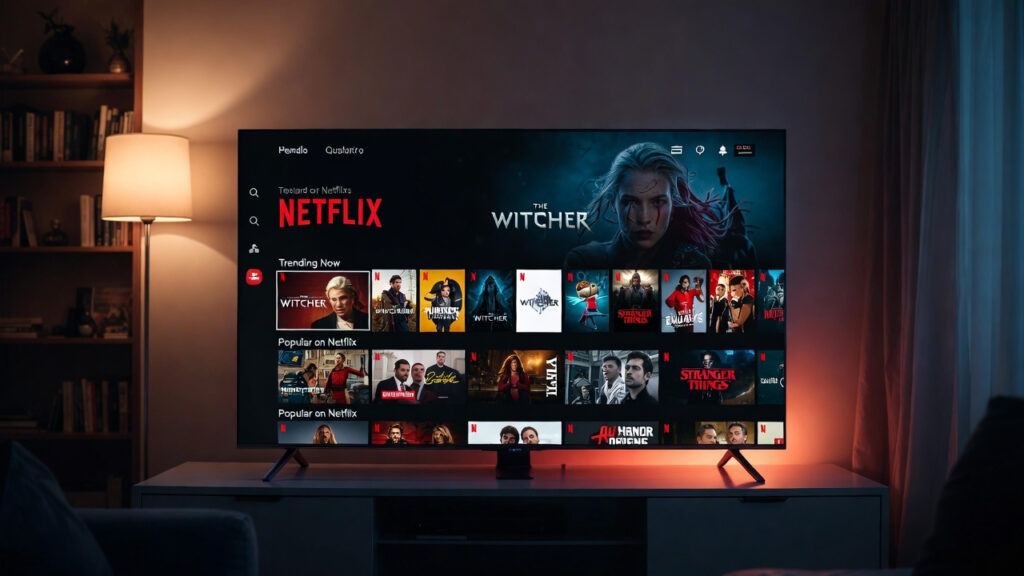
Netflix remains one of the most influential streaming services in the world. With over 300 million subscribers globally in 2026, the platform offers a massive collection of movies, TV shows, documentaries, and original productions.
Netflix is particularly known for its award-winning original content, including hit series and blockbuster films. The 2026 library features new seasons of Stranger Things, The Crown, Squid Game, and fresh originals like sci-fi epics produced with groundbreaking AI-assisted visuals and 8K mastering. The service’s investment in local-language productions has exploded, offering dubbed and subtitled content from over 190 countries.
Key Features
- Huge library of movies and TV shows (over 17,000 titles)
- Exclusive Netflix Originals with Emmy and Oscar winners
- Personalized recommendations powered by advanced AI that learns your taste within hours
- Support for 4K Ultra HD, 8K, HDR10+, Dolby Vision, and Dolby Atmos
- Multiple user profiles with PIN protection and kids’ modes
- Offline downloads, spatial audio, and gaming titles via Netflix Games
- Fastest loading times on all major Smart TV platforms
- Interactive titles and “Play Something” random selection for indecisive nights
Best For
- Binge-watching TV series — auto-play and skip intros make marathon sessions effortless
- International films and shows — largest foreign-language catalog with excellent dubbing/subtitles
- Original content unavailable elsewhere — many titles debut here first
Netflix’s Smart TV app is optimized for every major platform, with voice search, quick resume, and picture-in-picture on supported models. Users consistently rate it highest for reliability during peak evening hours when internet traffic is heaviest.
2. Disney+

Disney+ has quickly become one of the most popular streaming services thanks to its powerful catalog of franchises.
The platform includes content from Disney, Marvel, Pixar, Star Wars, and National Geographic. In 2026, Disney+ added interactive “Choose Your Own Adventure” episodes, 8K remasters of classics, and new Marvel series filmed in IMAX Enhanced format. The integration of National Geographic documentaries has grown into a full educational vertical with 4K nature footage that looks breathtaking on OLED panels.
For families and fans of blockbuster entertainment, Disney+ is often considered essential.
Key Features
- Marvel and Star Wars universes with every film and series in one place
- Pixar and Disney animated classics in pristine 4K/8K with Dolby Vision
- Exclusive original series like new Star Wars and Marvel projects
- High-quality 4K, 8K, HDR, and Dolby Atmos streaming
- GroupWatch for remote viewing with friends and family
- Hulu and ESPN+ bundle options for complete entertainment
- Dedicated kids’ profile with age gates and easy navigation
Best For
- Family entertainment — parental controls and age-appropriate profiles
- Superhero and sci-fi fans — the definitive home for Marvel Cinematic Universe and Star Wars
- Animated movies — timeless classics and new releases in stunning quality
Disney+ runs smoothly on every Smart TV, with dedicated kids’ row and voice commands like “Play The Mandalorian.” Its consistent 60fps performance makes action sequences feel incredibly fluid.
3. Amazon Prime Video
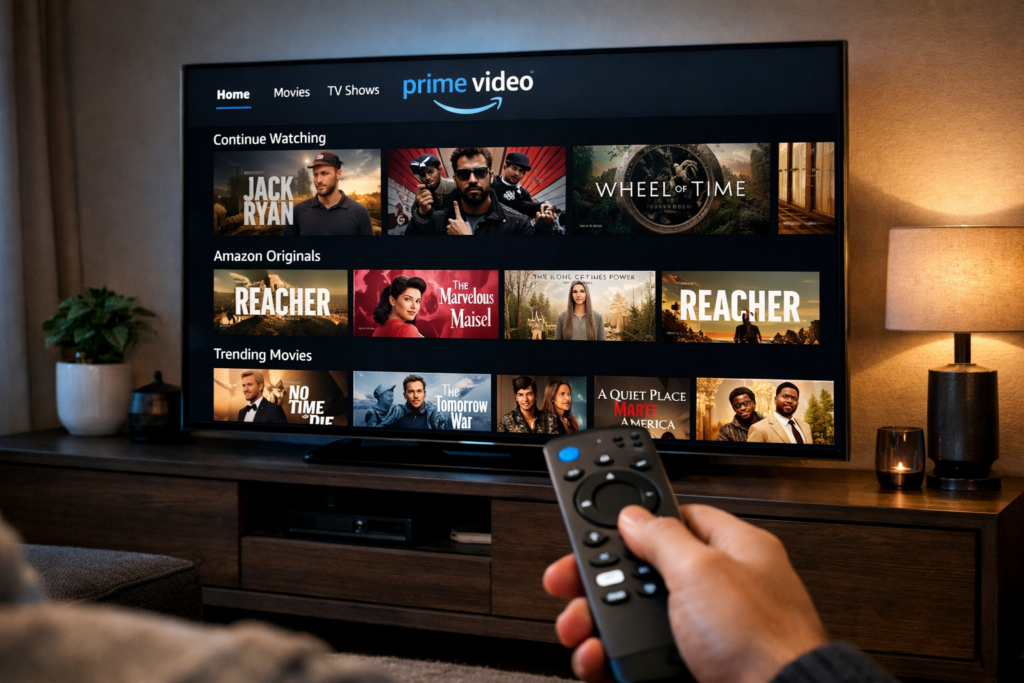
Amazon Prime Video is included with an Amazon Prime subscription and provides a large catalog of movies, shows, and exclusive content.
Prime Video also offers the ability to rent or purchase movies not included in the subscription library. In 2026, it features 4K live sports in more regions, expanded X-Ray trivia, and integration with Amazon’s smart home ecosystem for seamless control of lights and thermostats during viewing.
Key Features
- Large movie collection (over 20,000 titles)
- Amazon original series like The Boys, Reacher, and new 2026 hits
- Live sports in select regions (NFL Thursday Night Football, Premier League)
- Movie rentals and purchases with instant 4K access
- X-Ray feature for behind-the-scenes info
- Dolby Vision, Atmos, and multi-device sync
- Integration with Alexa for hands-free navigation
Best For
- Amazon Prime members — no extra cost for the video service
- Movie lovers — huge selection of blockbusters and indies
- Exclusive Amazon productions — critically acclaimed originals
Prime Video’s Smart TV app supports Fire TV integration and works flawlessly on non-Fire TVs, often receiving the fastest software updates.
4. Apple TV+
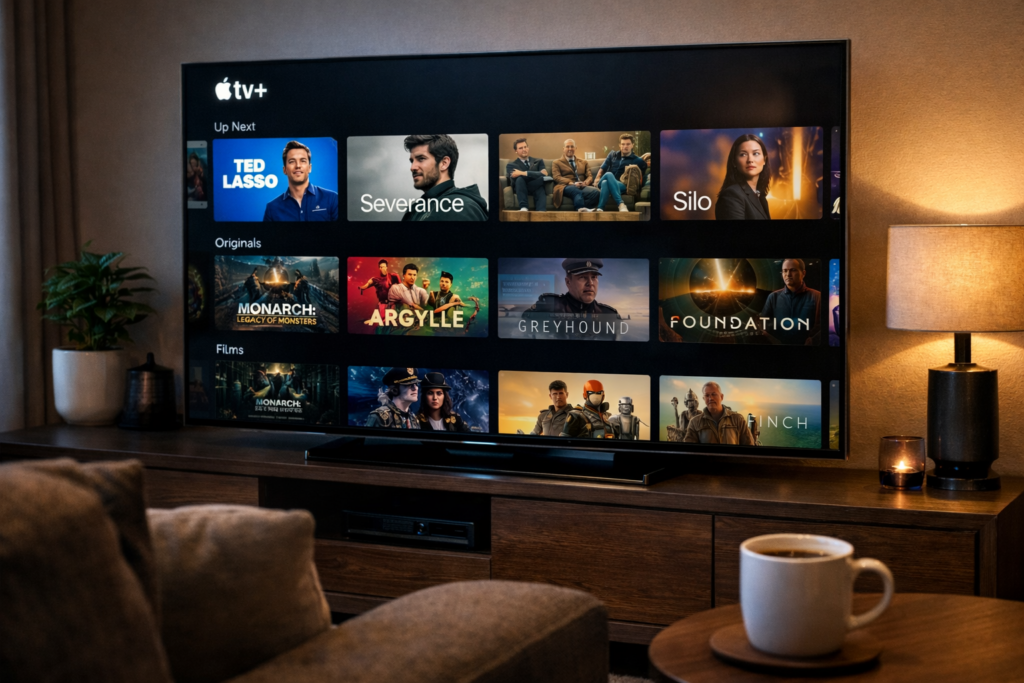
Apple TV+ focuses on premium storytelling rather than massive content libraries. The platform produces high-quality original shows and films with top-tier production values.
Many Apple TV+ series have won major awards and critical acclaim. In 2026, new seasons of Ted Lasso, Severance, and cinematic films shot on the latest iPhone Pro tech are available in 8K. The service’s emphasis on privacy means no intrusive data collection for recommendations—everything is curated thoughtfully.
Key Features
- Award-winning original programming with A-list talent
- High production quality and cinematic visuals
- 4K HDR streaming with Dolby Vision and Atmos
- Minimal advertising and family sharing
- Integration with Apple devices and AirPlay
- Spatial Audio support on compatible TVs
- Curated “Apple Originals” playlists by genre and mood
Best For
- High-quality storytelling — thoughtful, character-driven series
- Cinematic TV series — films that feel like theater experiences at home
Apple TV+ shines on LG and Samsung TVs with perfect color accuracy and zero input lag.
5. Max (HBO Max)

Max, formerly known as HBO Max, combines HBO’s prestigious programming with a large collection of movies and TV shows.
It remains one of the best streaming platforms for premium drama series and blockbuster films. 2026 brings new Game of Thrones spin-offs, DC Universe content, and 8K remasters of classics. The addition of live news and sports channels in certain tiers makes it a one-stop premium destination.
Key Features
- HBO original shows like The Last of Us, House of the Dragon
- Hollywood movie catalog including Warner Bros. releases
- Documentary content from CNN and Discovery
- High-quality streaming options up to 4K/8K, Dolby Vision, Atmos
- Live sports and news channels in select plans
- Curated collections and expert editorial content
Best For
- Prestige television — the gold standard for dramas
- Movie enthusiasts — day-and-date theatrical releases
Max’s app features excellent navigation and quick resume across devices, with some of the best subtitle customization options available.
Best Free Streaming Apps for Smart TVs
Free streaming services have become increasingly popular in recent years.
These platforms provide access to thousands of movies and TV shows without subscription fees. In 2026, ad-supported video on demand (AVOD) has matured with shorter, smarter ads and higher-quality licensed content from major studios. The free tier now rivals paid services in library size while remaining completely accessible.
Although ads are included, many viewers consider the trade-off worthwhile—especially when combined with paid services.
6. Pluto TV
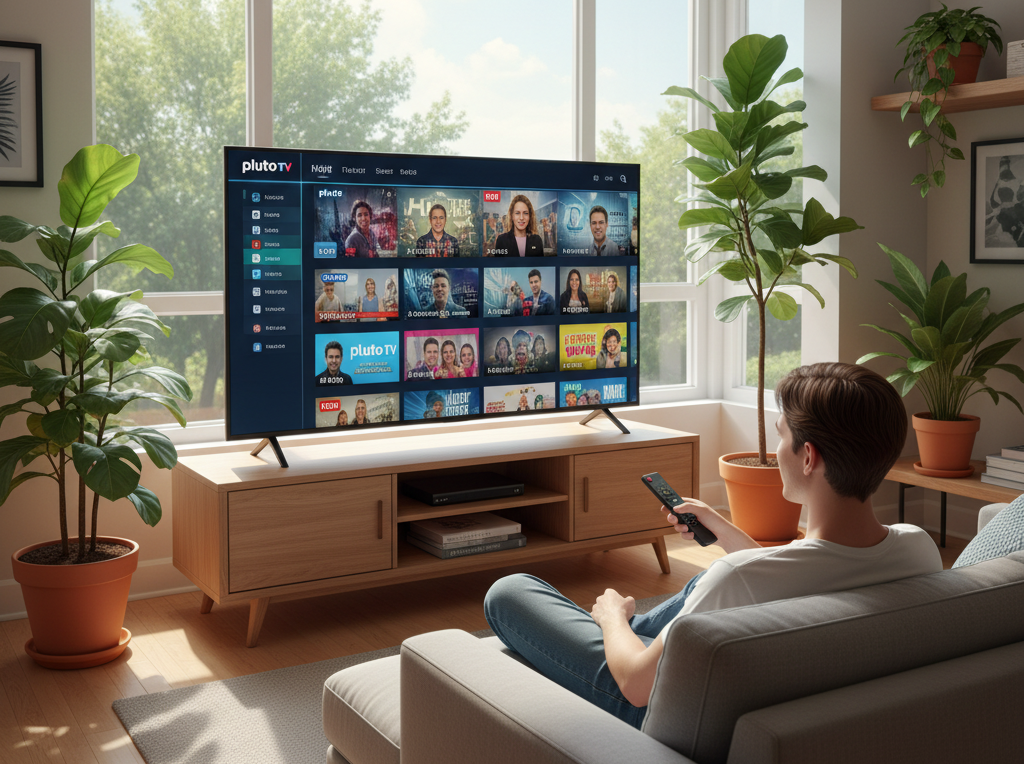
Pluto TV offers a unique streaming experience by combining live television channels with on-demand content.
The service includes hundreds of themed channels covering movies, news, sports, and entertainment. In 2026, Pluto TV added 4K channels, interactive guides, and cloud DVR. Its channel-surfing interface feels exactly like flipping through cable but without any cost.
Key Features
- Completely free streaming with no credit card required
- Hundreds of live channels (news, sports, movies, anime)
- On-demand movies and shows
- No subscription required
- Customizable channel lineup and parental controls
- 4K support on select channels and fast channel switching
Best For
- Free live TV streaming — feels like cable without the bill
- Casual viewing — flip channels like traditional TV
Pluto TV’s interface mimics cable guides, making it perfect for cord-cutters who miss the live TV experience.
7. Tubi
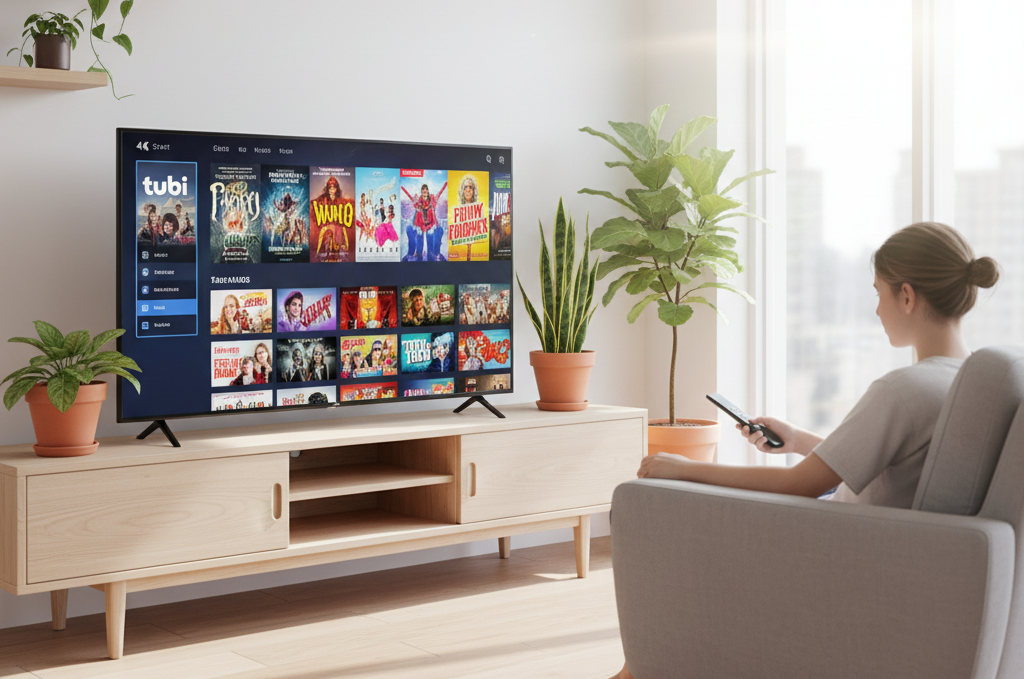
Tubi is one of the largest free streaming platforms available. It provides thousands of movies and TV shows across many genres.
The service is supported by short advertisements. 2026 updates include 4K titles, improved AI recommendations, and faster loading. Tubi has partnered with more studios than ever, bringing recent theatrical releases to the free tier within months.
Key Features
- Large movie library (over 70,000 titles)
- Free streaming with ads (typically 3–5 minutes per hour)
- Regularly updated content with new additions weekly
- No subscription required
- Multi-profile support and parental controls
- Genre-specific rows and trending sections
Best For
- Free movie streaming — Hollywood blockbusters and hidden gems
- Budget entertainment — endless variety without spending
Tubi’s Smart TV app is lightweight and works on even older models, delivering excellent 1080p quality on budget TVs.
8. Crackle
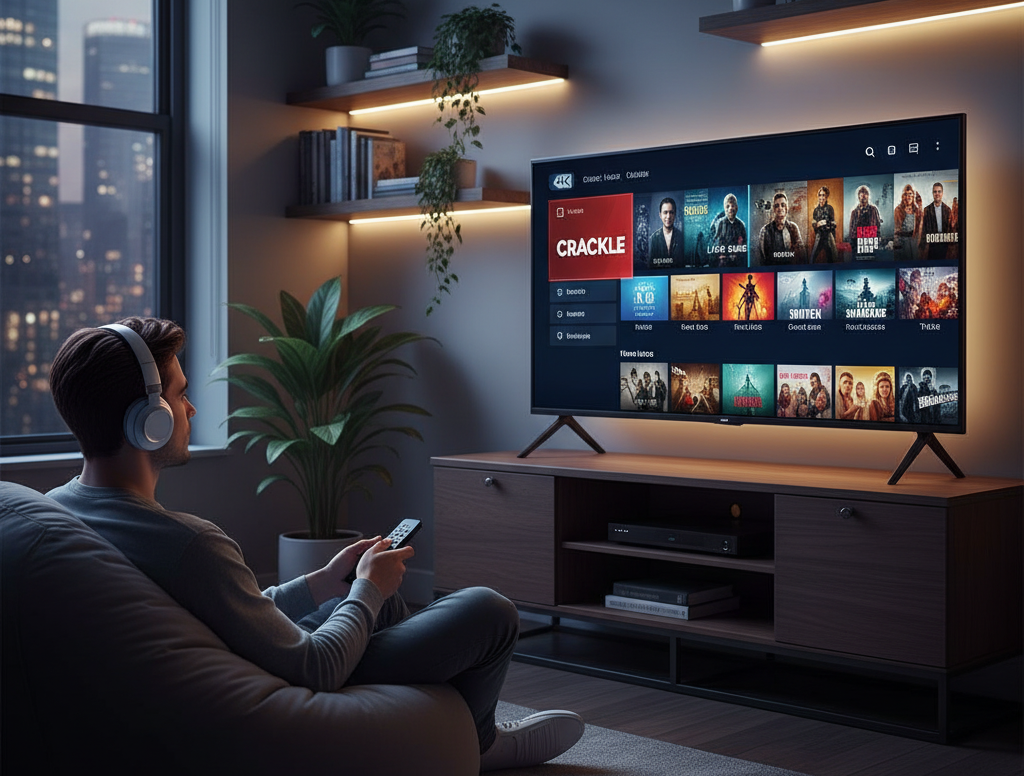
Crackle offers a rotating selection of movies and TV shows, including some original programming.
While the library is smaller than some competitors, it still provides solid free entertainment. 2026 brings more Sony Pictures classics and new originals. The curated “Crackle Picks” section highlights underrated gems every week.
Key Features
- Free movies and TV series
- Original shows and exclusive content
- Simple interface with fast navigation
- No account required for basic use
- Regular library refreshes
Best For
- Free entertainment — quick weekend watches
- Classic TV content — nostalgia hits
Crackle is ideal for quick, no-commitment viewing sessions when you just want something familiar and fun.
9. YouTube

YouTube is one of the most widely used apps on Smart TVs.
It offers an enormous variety of content including creator videos, tutorials, documentaries, podcasts, music videos, and live streams. In 2026, YouTube added 8K support, live 360° concerts, and AI-generated summaries. The app’s algorithm now predicts what you’ll enjoy based on your TV watching patterns across all devices.
Key Features
- Free unlimited content with optional ad-free YouTube Premium
- Educational videos and how-to tutorials
- Music and live streams
- Creator channels and podcasts
- Ambient mode and background play
- Community features like live chat during events
Best For
- Learning and tutorials — turn your TV into a classroom
- Entertainment content — endless variety
- Music videos — best audio-visual experience
YouTube’s Smart TV app supports voice search and works perfectly with Google TV and Android TVs, often serving as the default entertainment fallback.
10. Plex

Plex is a powerful platform that allows users to stream both free online content and personal media collections.
Many users install Plex to manage movies stored on their home servers or computers. 2026 brings built-in 4K live TV, improved transcoding, and free ad-supported movies. The “Discover” tab now intelligently mixes your personal library with free online content.
Key Features
- Free streaming movies and shows
- Live TV channels with DVR
- Personal media server support
- Custom media libraries and metadata
- Plex Pass for advanced features
- Beautiful poster wall interface
Best For
- Organizing personal media — your own Netflix from ripped DVDs and Blu-rays
- Free streaming channels — ad-supported library plus personal content
Plex turns your Smart TV into a complete media server hub that grows with your collection.
How to Install Streaming Apps on a Smart TV
Installing streaming apps is usually simple and takes less than two minutes per app.
Follow these steps:
- Open the app store on your Smart TV. Press the Smart Hub/Home button on your remote and navigate to the Apps or Store section.
- Search for the streaming service you want. Use voice search for speed—“Search Netflix.”
- Select Install or Download. Confirm any permissions (usually none).
- Launch the app and sign in. Create a new account or log in with existing credentials. Some apps allow QR code login from your phone for instant setup.
Most major Smart TV platforms support these apps, including:
- Samsung Smart TV (Tizen)
- LG webOS TV
- Android TV and Google TV
- Roku TV
- Fire TV
If an app is missing, check for firmware updates or use a streaming stick. Additional tips include clearing cache if installation fails, ensuring your TV is connected to 5GHz Wi-Fi for faster downloads, and enabling automatic updates so you never miss new features. For older models, restart the TV after installation to optimize performance.
Tips for Choosing the Best Streaming Apps
With so many apps available, choosing the right ones depends on your viewing habits, household size, and internet speed.
Here are several factors to consider for making informed decisions that will serve you well throughout 2026 and beyond.
Content Library
Different apps specialize in different types of content.
For example:
- Netflix focuses on original series and international hits
- Disney+ specializes in franchise content for all ages
- Pluto TV offers live TV channels with no schedule stress
- Tubi provides free movies across every genre imaginable
Choose apps based on what you enjoy watching. Families should prioritize Disney+ and Tubi; movie buffs love Netflix and Max; sports fans need Prime Video and Pluto TV live channels. Create a shortlist by browsing each app’s “Top 10” section in the store before installing—most platforms let you preview libraries without signing up.
Subscription Costs
Monthly subscriptions can add up quickly if you’re not strategic.
Many users choose a mix of:
- One or two paid streaming services ($15–30/month total)
- Several free apps (zero extra cost)
This approach provides the best balance between cost and entertainment options. Track usage with built-in TV analytics or apps like JustWatch to avoid paying for unused services. Consider annual billing for up to 25% savings and watch for frequent promotional trials that let you test premium tiers risk-free.
Streaming Quality
If you own a modern Smart TV, you may want apps that support:
- 4K Ultra HD streaming and 8K on flagship models
- HDR video formats (HDR10+, Dolby Vision)
- Dolby Atmos audio for immersive sound
These features improve picture and sound quality significantly. Always select “Best Available” or “4K” in app settings for optimal results. Test your internet speed (minimum 25 Mbps recommended for 4K) and use Ethernet connections where possible for the most stable streams during peak hours.
Device Compatibility
Most popular streaming apps work on major Smart TV platforms, but compatibility can vary depending on the brand and model.
Always confirm that the app supports your specific Smart TV in the app store. Older TVs (pre-2022) may lack 4K support or run slower—consider upgrading firmware or adding a streaming device. Check community forums for your exact TV model to see real-world performance reports from other users.
Bonus Tip: Use a Streaming Device for Better Performance
Sometimes Smart TV operating systems can become slow over time due to accumulated cache and aging processors.
Using a streaming device can improve navigation speed and app performance dramatically, often making the experience feel brand new.
Popular devices include:
- Amazon Fire TV Stick 4K Max — best for Prime Video and 4K Dolby Atmos
- Roku Streaming Stick 4K — simplest interface and fastest updates
- Google Chromecast with Google TV — voice control and Google ecosystem
These devices often provide faster performance and receive more frequent updates than built-in Smart TV software. They also future-proof your setup if you upgrade TVs later, support Wi-Fi 6E for lag-free 8K streaming, and include dedicated remotes with programmable shortcut buttons for your favorite apps. Many users report 2–3× faster app loading times after switching to an external streamer.
Final Thoughts
Streaming apps have become the foundation of modern home entertainment. With the right combination of services, your Smart TV can provide access to thousands of movies, TV shows, documentaries, and live channels from around the world.
Premium platforms like Netflix, Disney+, Prime Video, and Max deliver exclusive content and blockbuster entertainment, while free services such as Pluto TV, Tubi, and YouTube provide hours of entertainment without subscription costs. The hybrid model—two paid services plus four free ones—has become the gold standard for most households in 2026, delivering variety, quality, and affordability.
For most viewers, the best strategy is to combine a few paid streaming apps with several free platforms. This ensures access to premium shows while keeping monthly costs under control. Start small, monitor what you actually watch for one month, then adjust your lineup accordingly. Many families discover they only need three or four core apps once they analyze their habits.
By installing the best streaming apps available in 2026, you can transform your Smart TV into a complete entertainment hub for movies, series, sports, and more. Start with Netflix and Disney+ for premium content, add Tubi and Pluto TV for free variety, and you’ll wonder why you ever paid for cable. Your living room is now a world-class theater, sports bar, classroom, and concert venue—all in one.
Ready to upgrade your viewing experience? Open your Smart TV app store right now and install your first three apps from this guide. Your perfect entertainment setup is just a few clicks away. Bookmark this page for future reference as new apps and features launch throughout the year. If you found this ultimate guide to the best streaming apps for Smart TVs in 2026 helpful, share it with friends and family who are still paying for cable. Happy streaming!

Comments are closed.
[…] Pair your TV with the right streaming services for maximum value; here is a complete guide to best streaming apps for smart tv. […]
[…] Best streaming apps for Netflix, YouTube, and Prime Video […]
[…] streaming platform is the operating system that powers streaming devices and smart TVs. It allows users to install […]